
Split Long Videos for WhatsApp Instantly
Overview
VideoSplit is a free iPhone application designed to simplify the process of preparing long-form videos for sharing on social media platforms. The app focuses specifically on splitting lengthy videos into shorter segments suitable for WhatsApp Status, a feature that requires content under a strict time limit. It serves users who frequently post video content across multiple platforms such as WhatsApp, Instagram, TikTok, Facebook, Twitter, and Snapchat. The app is developed by Timchang Wuyep, a creator focused on mobile utility tools for social media users. Its primary purpose is to enable quick, accurate video segmentation without requiring advanced editing skills.
VideoSplit addresses a common pain point: the need to shorten videos for status updates while preserving key moments. The app allows users to select a video from their device’s library and split it at precise points, making it ideal for content creators, influencers, and casual users who want to share memorable clips. It streamlines the workflow by integrating directly with social media sharing options, reducing the number of steps needed to publish content. The app’s minimalistic design emphasizes functionality, making it accessible even to non-technical users. While detailed usage scenarios are not provided, the app appears optimized for on-the-go content sharing, particularly for users managing personal or small-scale social media presence.
Key Features & Capabilities
- Accurate Video Splitting – Enables users to divide long videos into shorter segments with precision, ensuring content fits platform-specific time limits, especially for WhatsApp Status.
- Fast Processing – Designed to handle video splitting tasks quickly, minimizing wait times after selecting a clip.
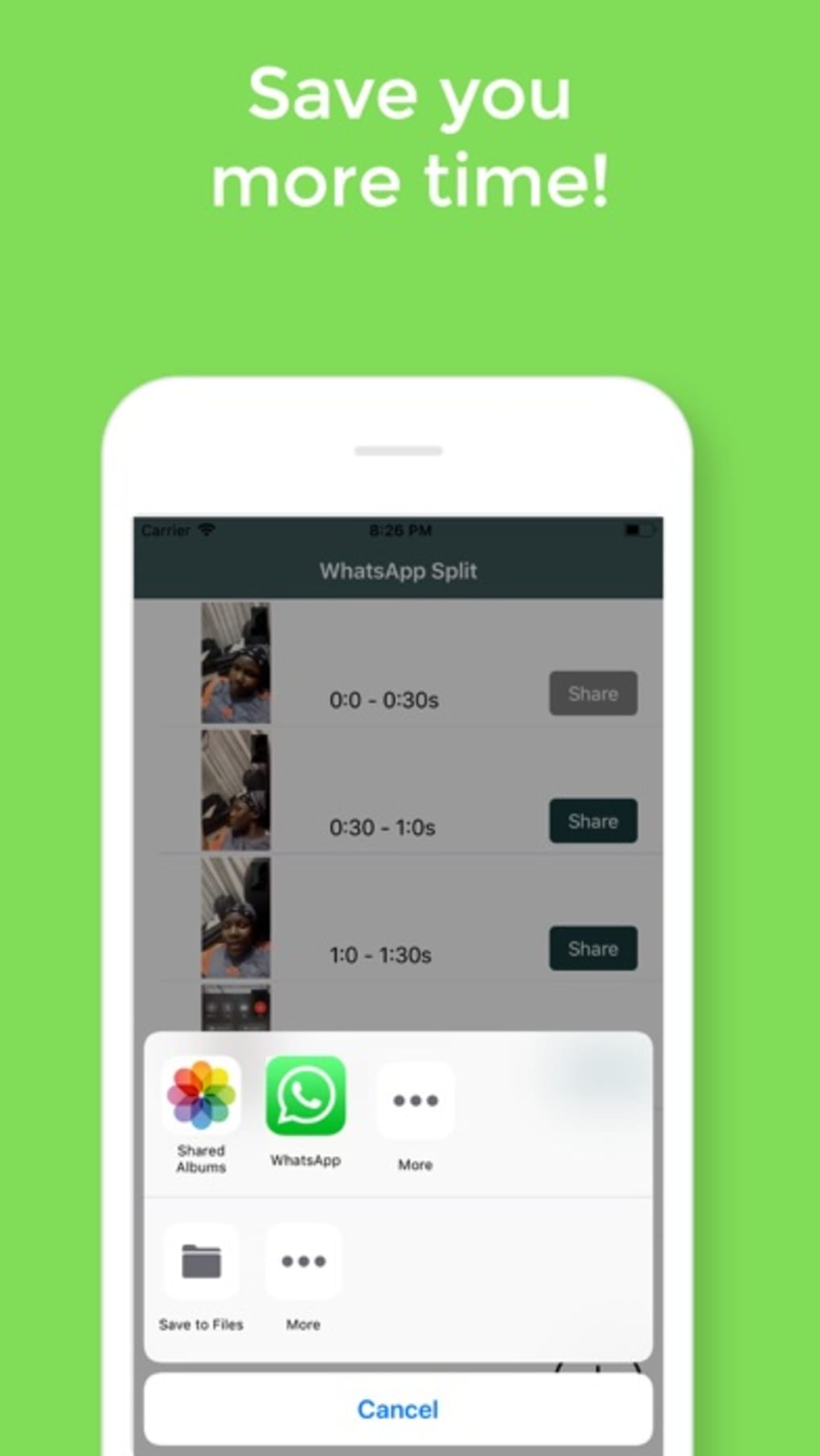
- One-Tap Sharing – Integrates directly with major social media platforms, allowing immediate sharing via WhatsApp, Instagram, TikTok, Facebook, Twitter, and Snapchat after splitting.
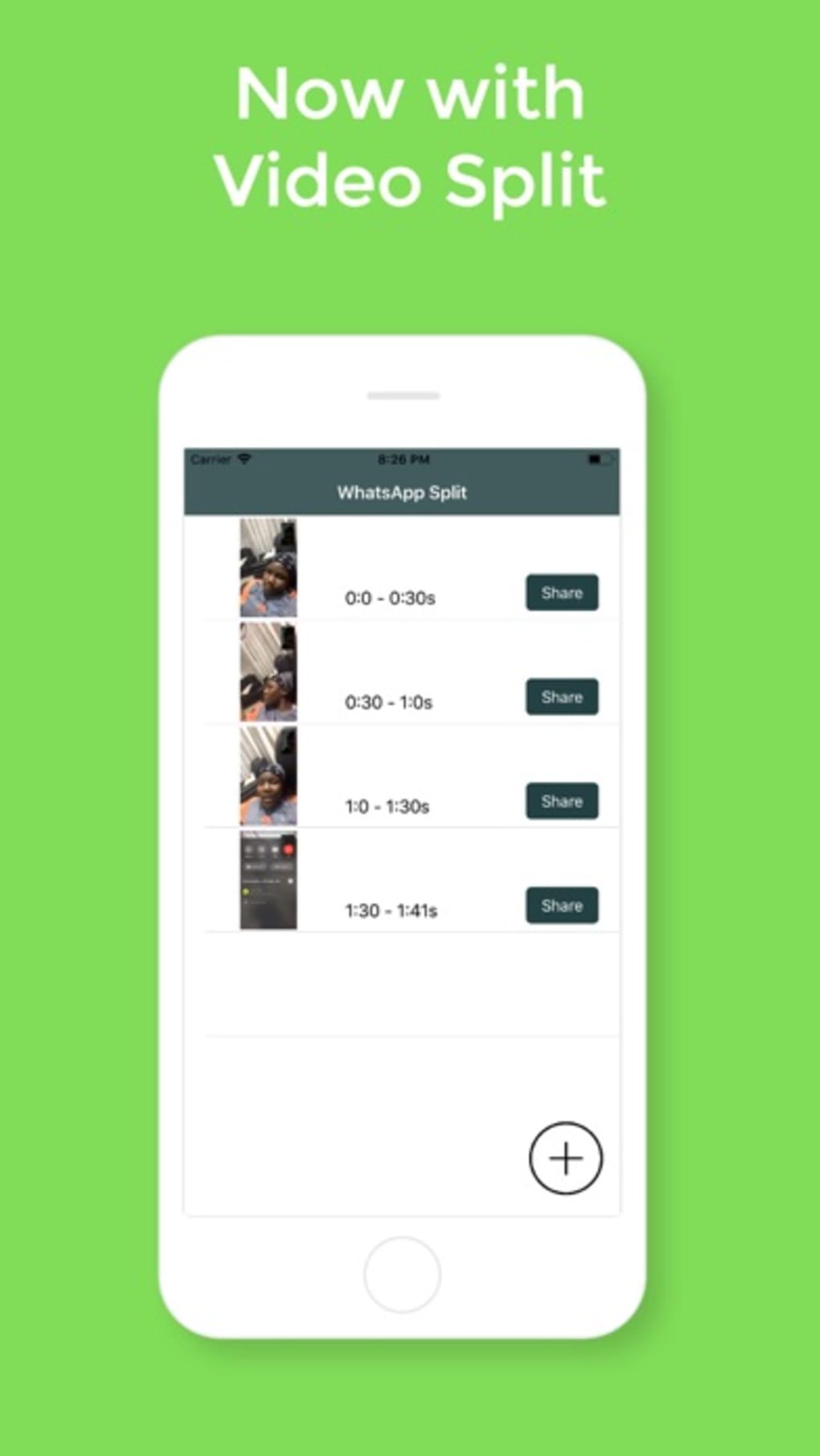
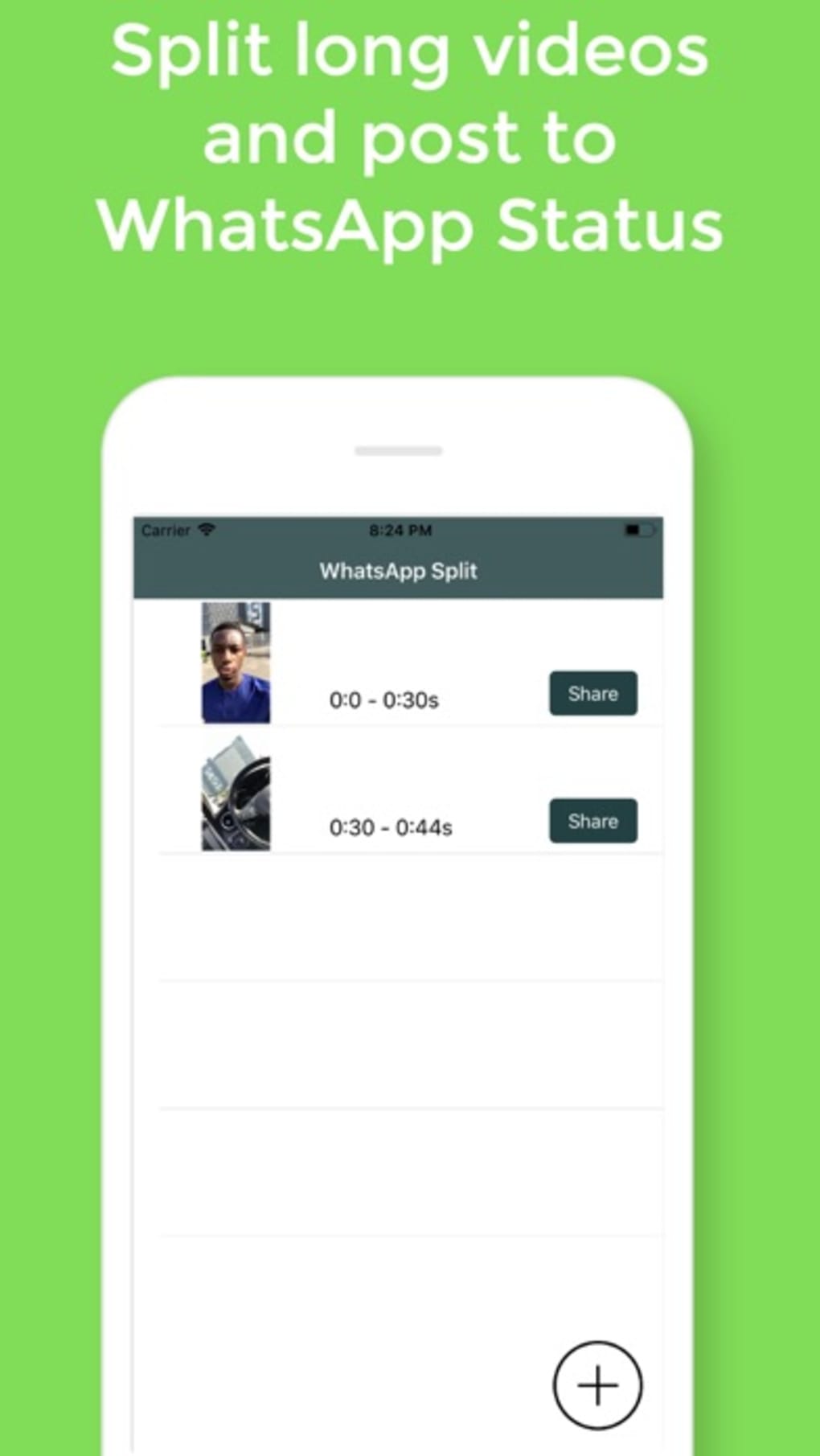
- User-Friendly Interface – Features a clean, intuitive layout with a prominent add button at the bottom right corner for easy access to video selection.
- Time-Saving Workflow – Eliminates the need for complex editing software by offering a streamlined process: select, split, share.
Users can initiate the process by tapping the add button to import a video from their iPhone’s library. Once loaded, the app allows for quick segmentation, followed by a direct share option. This workflow is particularly useful for users who need to publish content rapidly across multiple platforms. The app does not include advanced editing tools like filters, transitions, or audio adjustments, focusing instead on core functionality. Its utility lies in efficiency and reliability for a narrow but essential task: video trimming for status updates.
User Interface, Workflow & Performance
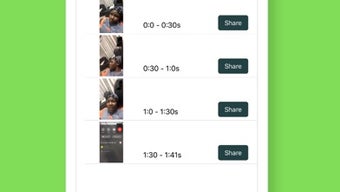
VideoSplit features a minimalistic user interface centered around simplicity and speed. The layout places the primary action—adding a video—at the bottom right corner, a common pattern in iOS apps that enhances discoverability. Navigation is straightforward, with no complex menus or layered settings. Users are guided through a linear workflow: import video → split as needed → share to platform of choice.
The app’s performance is optimized for quick processing, as stated in its description. While exact CPU or RAM usage details were not provided, the app’s lightweight size of 45.2 MB suggests efficient resource utilization. The developer did not specify resource usage details, but the app’s focus on basic splitting implies low overhead.
Stability is assumed to be consistent, given the limited scope of operations. No crashes or lag were reported in the provided information, and the app appears designed to run smoothly on standard iPhone hardware. The workflow is efficient, reducing steps between video selection and social sharing, which enhances user experience.
Compatibility & System Requirements
VideoSplit is designed exclusively for iPhone devices and runs on iOS. The app is available in version 1.0 and has a file size of 45.2 MB. It is compatible with all iPhone models that support the required iOS version, though specific version requirements were not listed. The developer did not provide additional system requirements. Platform compatibility information is limited to the iPhone platform, indicating no support for iPad or Mac devices.
Installation is straightforward, with the app available through the App Store. Users can download and install it directly on their iPhone without needing external tools. The app does not require a subscription or in-app purchases, as it is offered as a free tool. The absence of detailed system requirements means users should rely on general iOS compatibility standards. For optimal performance, users are advised to ensure their device is running a current version of iOS, though this was not explicitly stated.
Pros and Cons
Pros
- Free to download and use with no hidden costs
- Fast video splitting tailored for WhatsApp Status
- Simple, intuitive interface suitable for all users
- Direct sharing to major social media platforms
- Lightweight size (45.2 MB) for quick installation
Cons
- No advanced editing features like filters or transitions
- Limited to iPhone platform; no iPad or Mac support
- No information on required iOS version or hardware specs
- Focuses only on splitting—no merging or exporting options
- Does not support video trimming with custom duration presets
FAQ Section
Is VideoSplit available for iPad or Mac?
VideoSplit is currently designed for iPhone only. There is no information available about iPad or Mac compatibility.
Does VideoSplit require an internet connection to work?
The app functions offline for video splitting and local file access. However, sharing to social media platforms requires an active internet connection.
Can I edit the split segments after processing?
VideoSplit does not include post-split editing features such as trimming, filtering, or adding text. The app focuses solely on splitting and sharing.
Is VideoSplit safe to download and use?
As a free app from the official App Store, VideoSplit is subject to Apple’s review process. It does not require access to sensitive data beyond the device’s media library.
How often does VideoSplit receive updates?
The app’s release date is May 15, 2024. No information is available about update frequency or future feature additions.
Final Thoughts
VideoSplit delivers a focused, efficient solution for users who regularly share short-form video content on WhatsApp and other social platforms. Its core strength lies in its ability to split videos quickly and accurately with minimal effort. The app excels in simplicity, making it ideal for casual users and content creators who value speed and ease of use. While it lacks advanced editing tools and platform versatility, it performs its intended function exceptionally well.
For anyone managing social media presence on iPhone and needing to publish time-sensitive video updates, VideoSplit is a reliable companion. Its free model, lightweight design, and direct sharing integration make it a practical choice. The app fills a niche gap without overcomplicating the user experience.
Download VideoSplit now and streamline your social media video sharing with precision and speed.







